Reproducible Data Science with R II

The essentials of R

Adrian A. Correndo

2025-11-26

Why R?

Why R?

  • 1. Open-Source
    • Free to use and modify, with contributions from a large community.
  • 2. Multi-Platform
    • Runs on Windows, macOS, and Linux, making it versatile for collaboration.
  • 3. Community Support
    • Strong online help through forums, tutorials, and dedicated resources.
  • 4. Continuous Development
    • Regular updates keep R on the leading edge of data science.
  • 5. Reproducible Workflows
    • Tools like Rmarkdown and Quarto facilitates the job.

Why RStudio?

  • 1. An interface to R
    • Provides a user-friendly environment to work with R.
  • 2. Integrates various components of data analysis
    • Combines data, code, and output in one place, simplifying the workflow.
  • 3. Colored syntax
    • Highlights code with colors, making it easier to read and spot errors, improving code clarity.
  • 4. Syntax suggestions
    • Offers autocomplete suggestions, which speeds up coding and reduces mistakes.
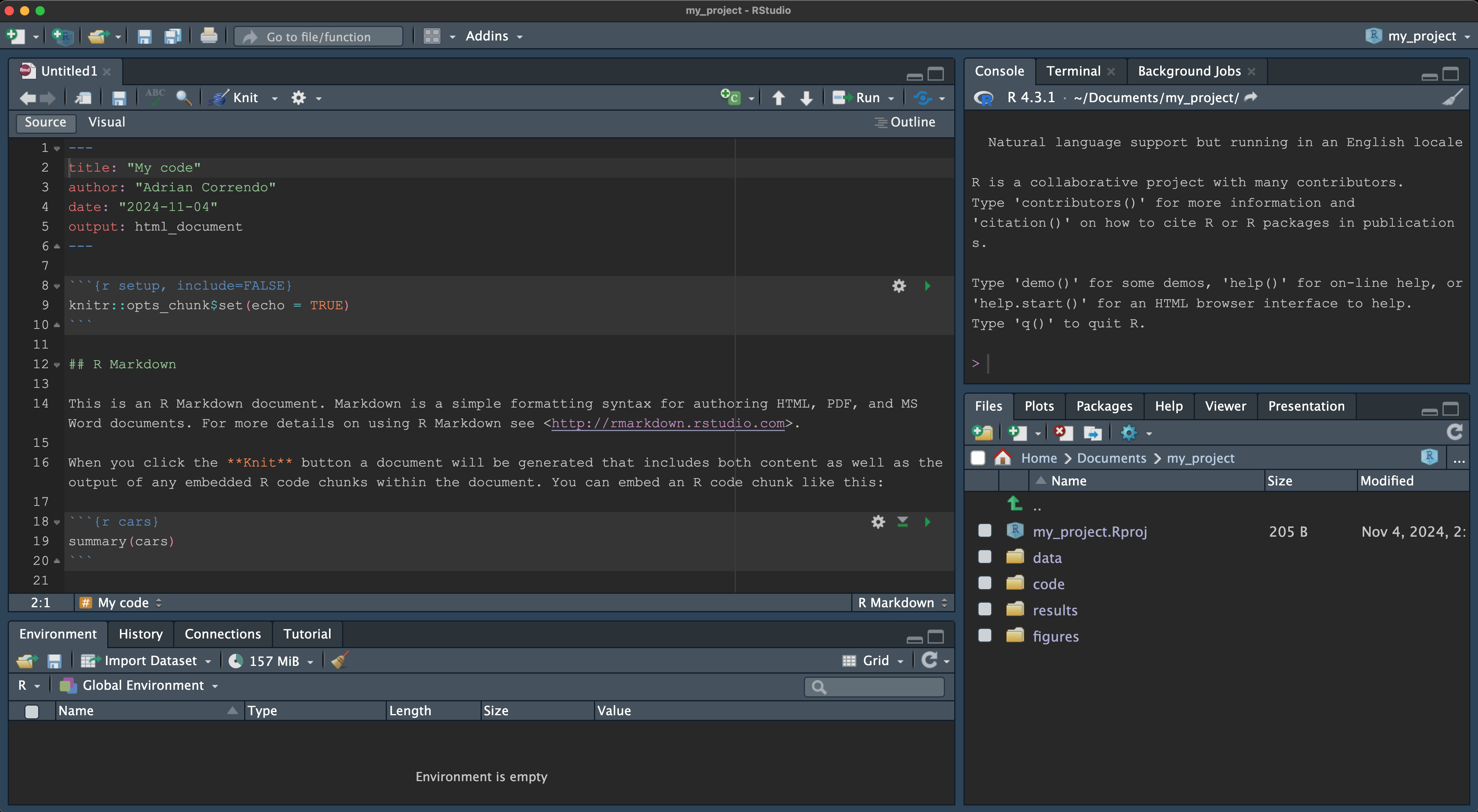
  • 5. RStudio panels
    • Panels for console, scripts, files, and plots, giving quick access to all elements.

Rstudio panels

Why version control? 🔄

  • 1. Track Changes
    • Maintain a complete history of edits, making it easy to identify when and why changes were made.
  • 2. Collaborate Seamlessly
    • Multiple users can work together without overwriting each other’s work, enhancing teamwork.
  • 3. Ensure Data Integrity
    • Protect primary data by using branches for experimentation, avoiding accidental overwrites.
  • 4. Boost Reproducibility
    • Access exact versions of code and data, enabling others to reproduce your work reliably.
  • 5. Provide Built-in Documentation
    • Each change can be documented, helping others understand your workflow and decisions.


What are Git and GitHub?

  • Git
    • A version control system that tracks changes in files on your local computer, allowing you to manage versions and revert to previous work.
  • GitHub
    • An online platform for hosting Git repositories, enabling easy collaboration, project sharing, and cloud storage.


Publishing coding projects

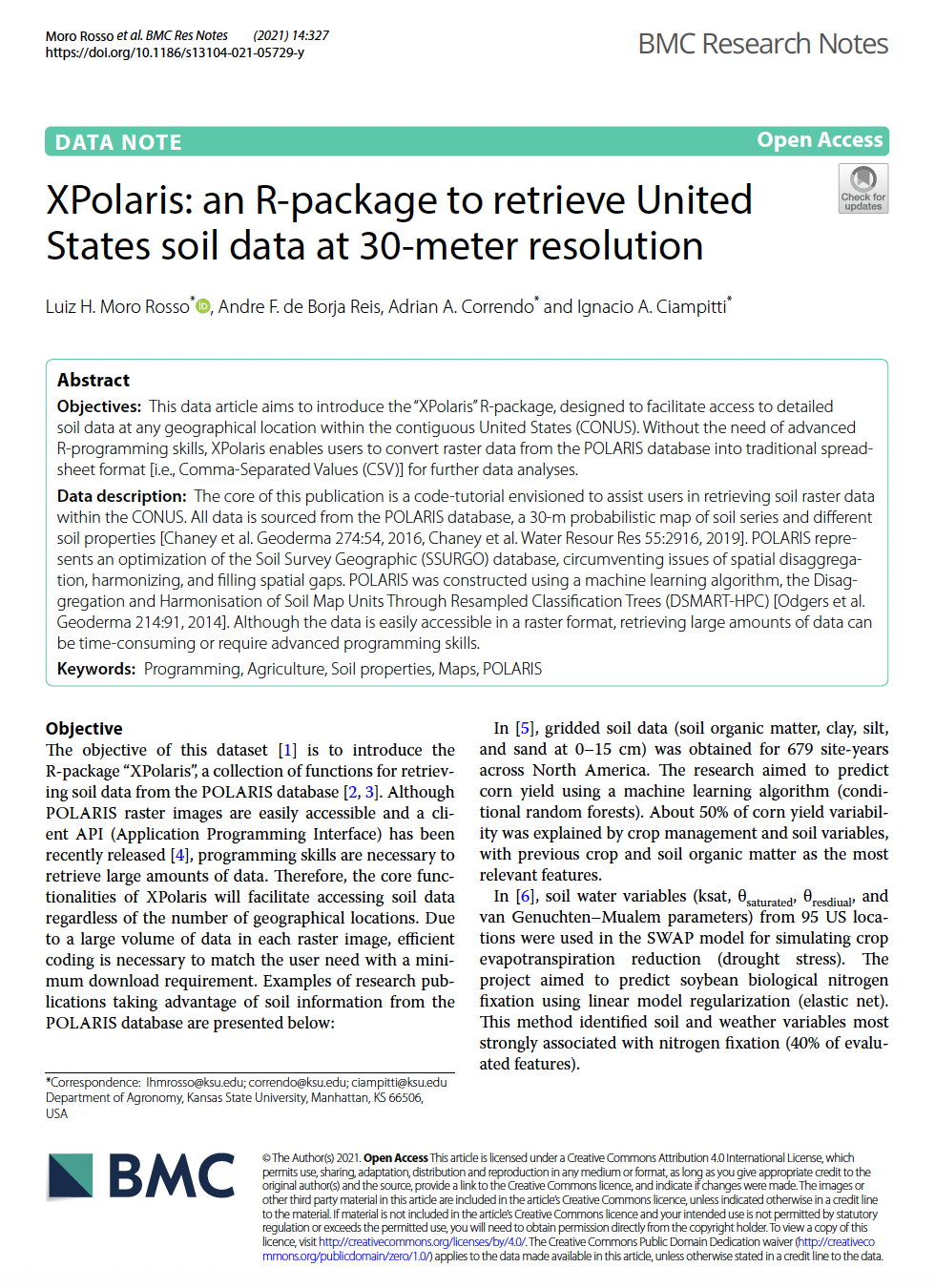
Retrieve soil data

Retrieve soil data

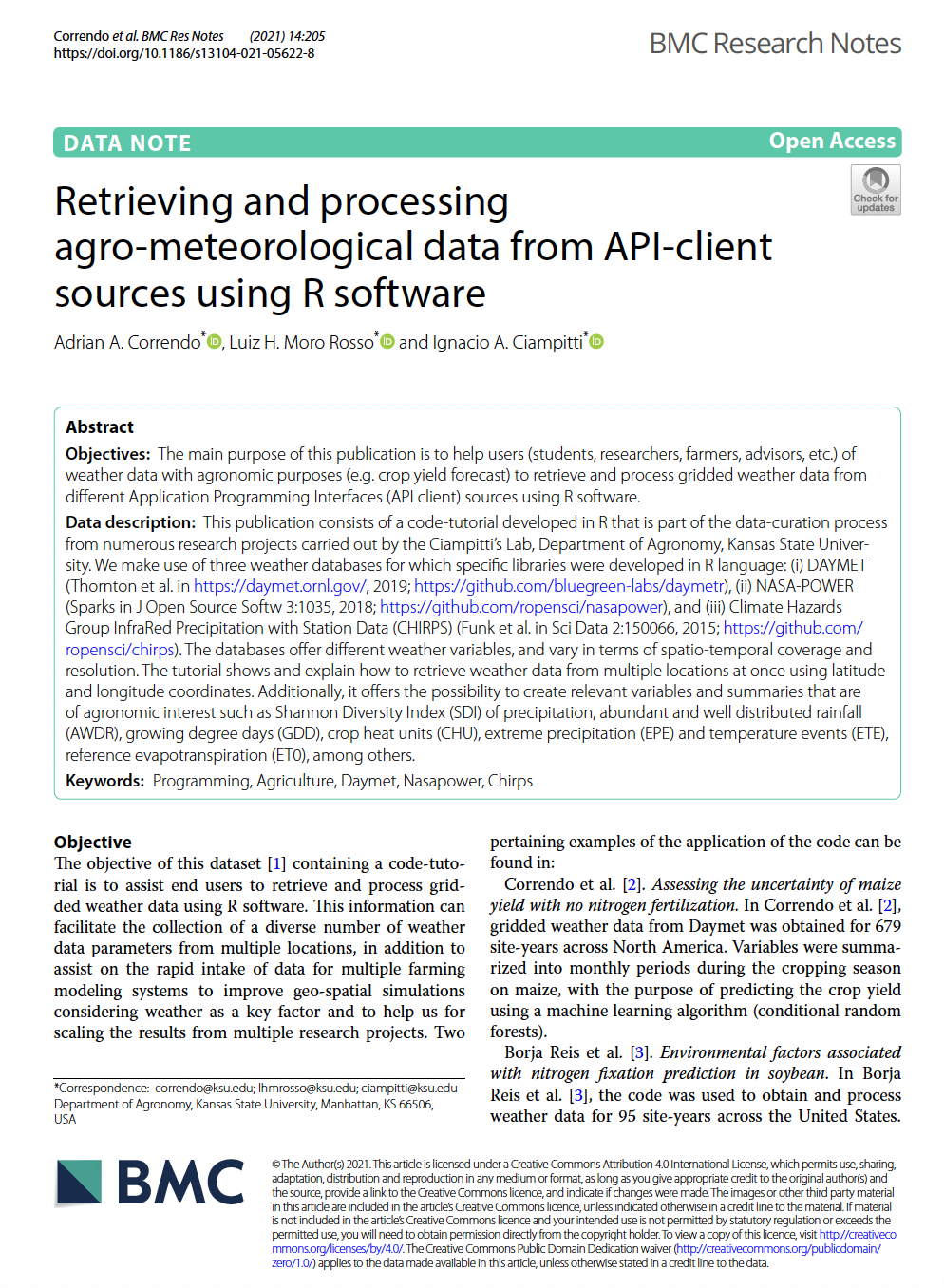
Retrieving weather data

Retrieving weather data

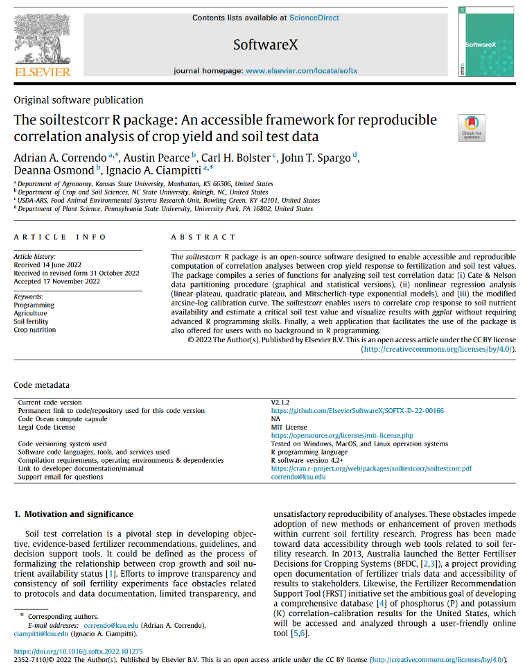
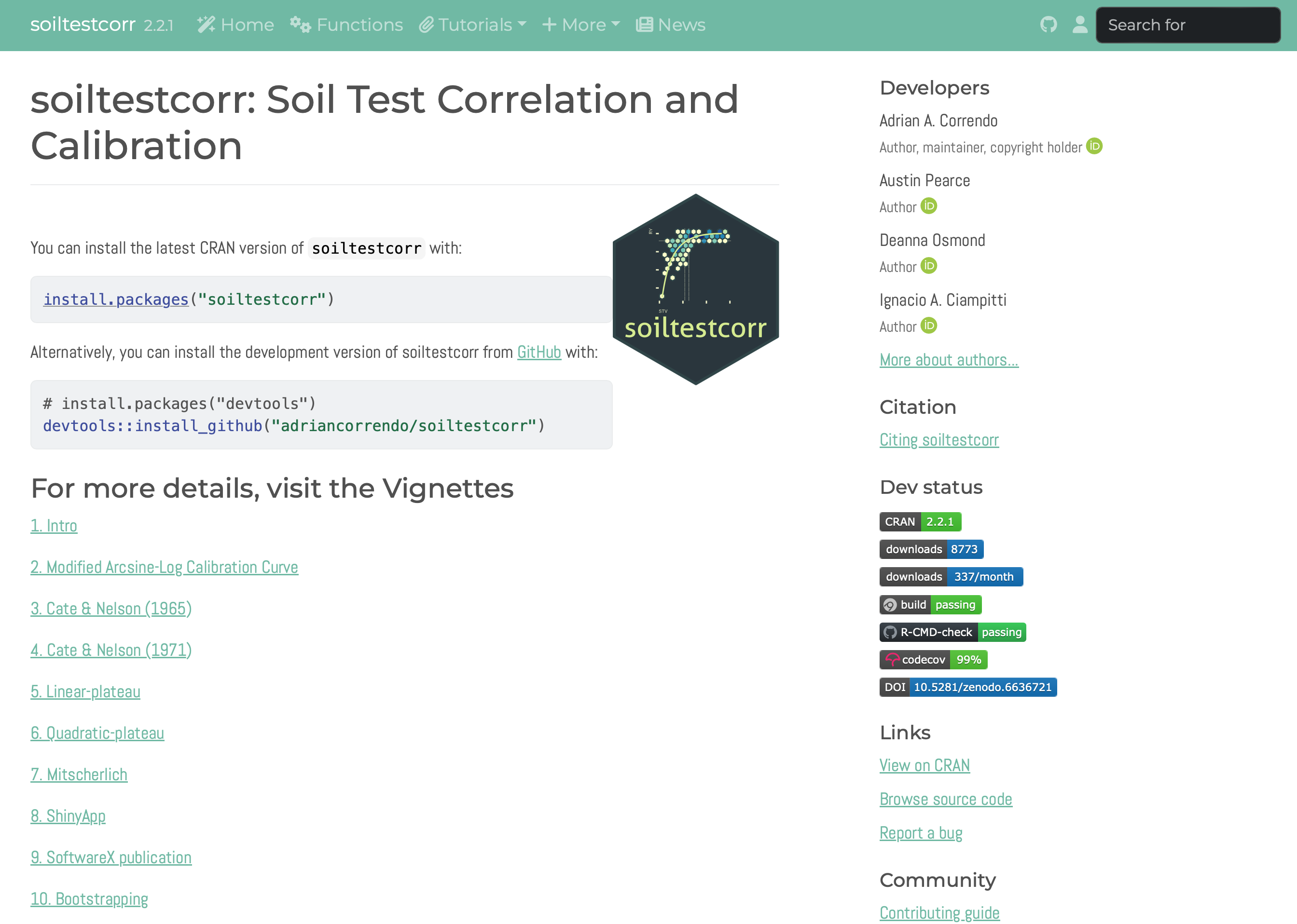
Soil test correlation analysis

Soil test correlation analysis

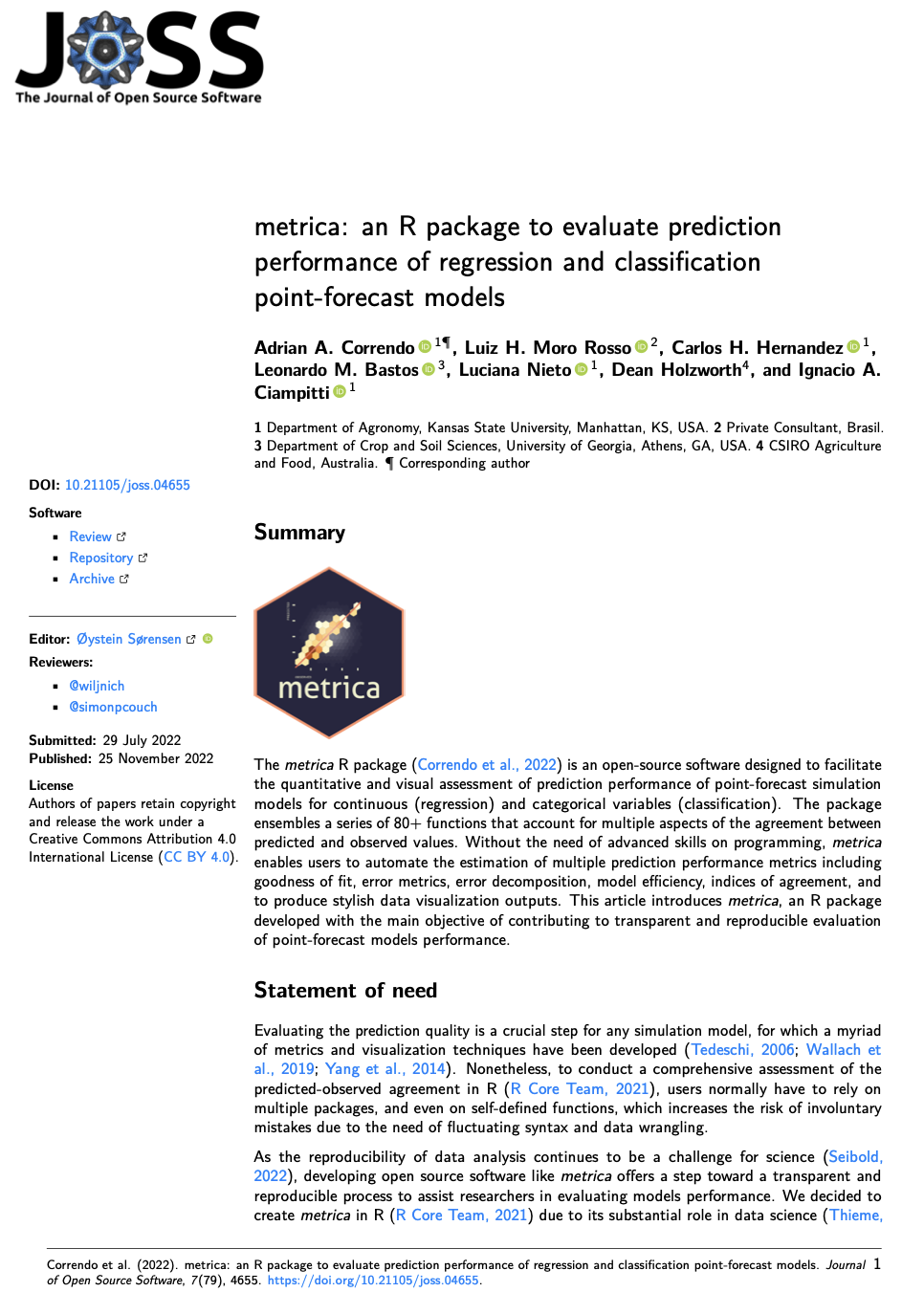
Prediction performance metrics

Prediction performance metrics

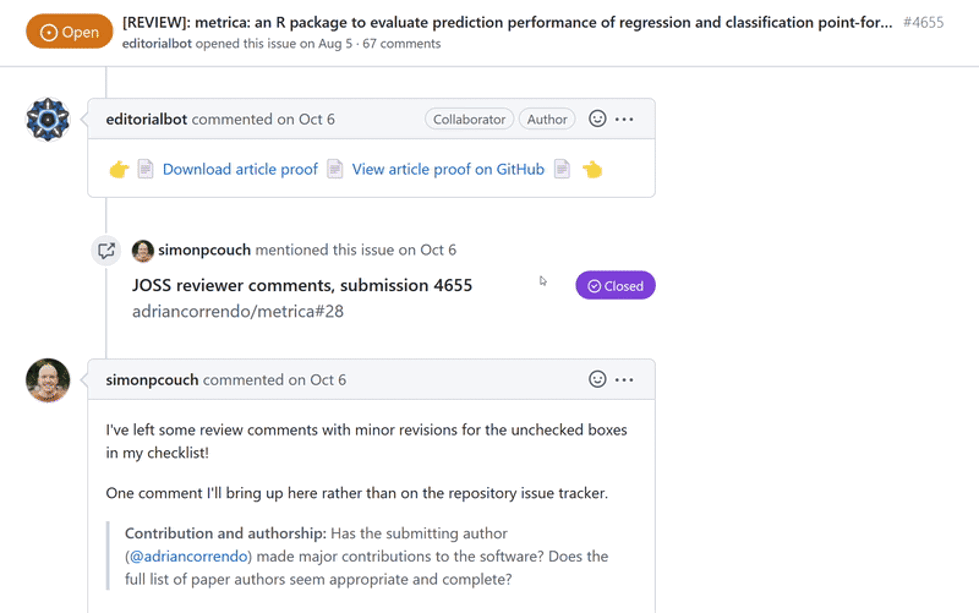
Open source review of coding projects


Documentation of coding projects


Key Principles for Reproducibility

  • Documentation and Code Comments
    • Metadata: data origin, format, structure, and meaning.
    • Code comments: explanations directly in scripts for future reference.
  • Version Control (Git/GitHub)
    • Tracks changes to code over time, can return to previous versions.
    • Useful for collaborative work and transparency.
  • Organization & Structured coding…

Basic Project Structure

  • Organizing Projects for Reproducibility

    • Folder setup: data/, code/, results/ folders for logical organization.
    • README file: brief guide to project structure, data sources, and analysis steps.
  • Sample Project Structure

    project_directory/
    ├── data/       # Raw and processed datasets
    ├── code/    # Code files for data processing
    ├── results/    # Generated results, plots, and reports
    ├── README.md   # Overview of the project structure and purpose

Basic Project Structure

Essentials of R 🔍

  • Let’s cover the core building blocks of R for data science.

Objectives 📌

  • Types of R objects and their uses.
  • Key functions and data wrangling basics.
  • Tidy data concepts.

Common R Objects 🧩

  • Scalars: Single data point (e.g., 5, or a)
  • Vectors: Simple data storage (e.g., c(1, 2, 3))
  • Lists: Collection of various data types
  • Dataframes: Tabular data (like spreadsheets)
  • Tibbles: Enhanced dataframes with cleaner output
  • Matrices: data arranged in rows and columns (2D)

Object

20
[1] 20
20/4
[1] 5

Use <- or =

a <- 20/4

a
[1] 5

Vector

It’s a collection of numbers, arithmetic expressions, logical values or character strings for example. Within a table, it could be a row or a column

# numeric
b <- c(3, 6, 10)
b
[1]  3  6 10
# text
c <- "Workshop"
c
[1] "Workshop"

Tabular data

1. Data Frame

It’s a tabular arrange of vectors (i.e. 2-dimensional, rectangular). Structure used to store values of any data type. The most common way to store data in R.

d <- data.frame(Number = b,
                ID = c)

d
  Number       ID
1      3 Workshop
2      6 Workshop
3     10 Workshop

Tabular data

2. Tibble

It’s a modern version of a data frame. It’s a data frame with class tbl_df and tbl and it only prints the first 10 rows and all the columns that fit on the screen.

tb <- tibble::as_tibble(d)

tb
# A tibble: 3 × 2
  Number ID      
   <dbl> <chr>   
1      3 Workshop
2      6 Workshop
3     10 Workshop

Matrix

A collection of elements of the same data type (numeric, character, or logical) arranged into a fixed number of rows and columns.

m <- matrix(c(b,b),
            nrow = 2)

m
     [,1] [,2] [,3]
[1,]    3   10    6
[2,]    6    3   10

List

  • A generic object consisting of an ordered collection of objects.

  • Lists are one-dimensional, but heterogeneous data structures.

  • The list can be a list of vectors, matrices, characters, functions, etc…

  • A list is a vector that can contain heterogeneous elements.

  • Statistical model outputs are typically lists.

List

f <- list("a" = a, "b" = b,
          "c" = c, "d" = d)
f
$a
[1] 5

$b
[1]  3  6 10

$c
[1] "Workshop"

$d
  Number       ID
1      3 Workshop
2      6 Workshop
3     10 Workshop
class(f)
[1] "list"

Functions ⚙️

  • A function is a block of code that performs a specific task.
  • Types:
    • Pre-built functions: e.g., mean(), sum()
    • Custom functions: How to define and use

Tip

  • Functions make code reusable and organized. Define once, use often! 💡
  • A function is executed when it is called.
  • You can pass data, numbers, lists, dataframes, matrices, etc…

Functions ⚙️

arguments <- NULL 
fx <- function(arguments) {
        ## Do something
}

Example of a function to calculate the mean

fx <- function(x, ...) {
        mean(x)
}

fx(b)
[1] 6.333333

Argument

An argument is a value you pass to a function when calling it.

b2 <- c(3, 6, 10, NA)
b2
[1]  3  6 10 NA
fx(b2, na.rm = T)
[1] NA
# The order of the arguments is important
# But it can be overriden by calling the name of the argument
fx(na.rm = T, x = b2)
[1] NA

Packages

A package is a collection of R functions, data sets, and compiled code in a well-defined format.

  • Packages are intended to solve specific problems or perform specific tasks.

Packages

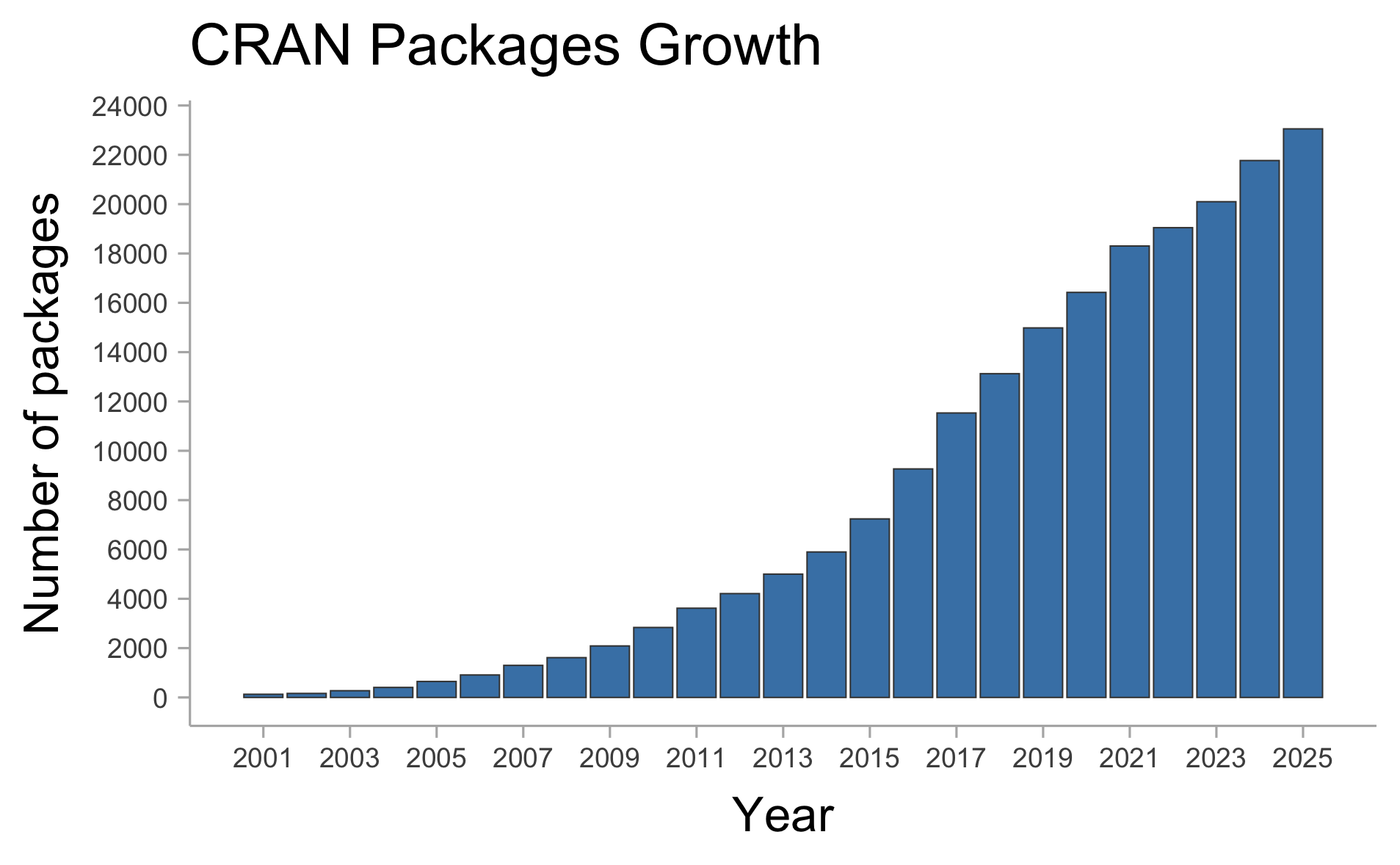
There are currently 23,052 of packages (on CRAN only).
Why TIDY data?

Tidyverse

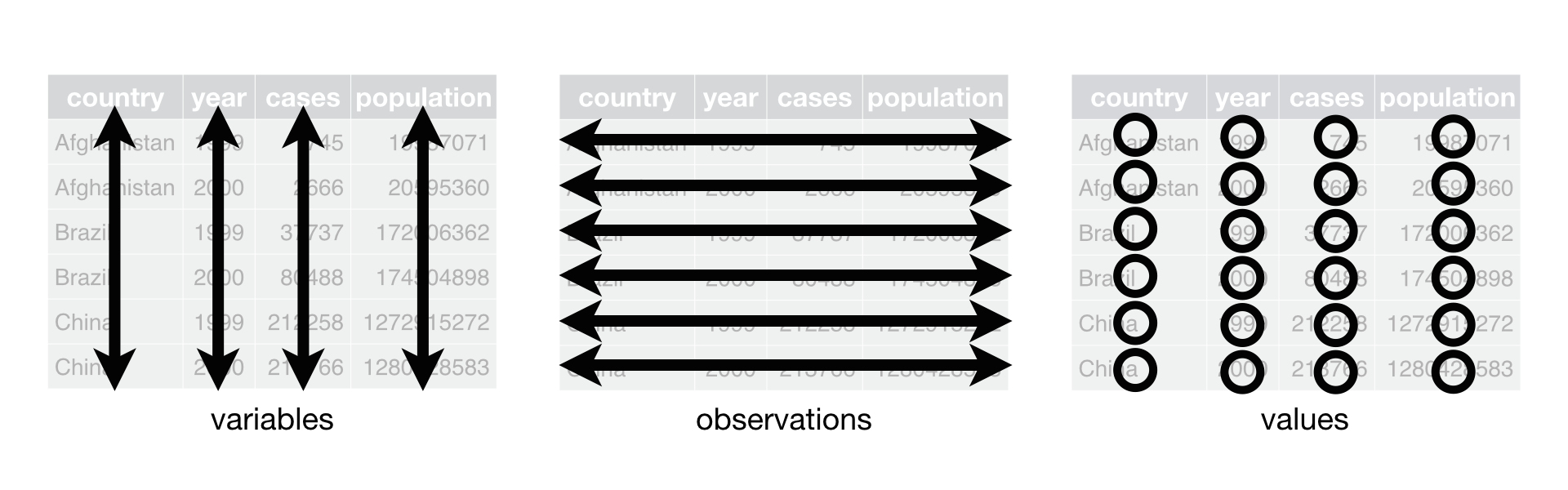
The “tidy data” framework changed the way we code and work in R for data science. Tidy datasets are easy to manipulate, model and visualize, and have a specific structure:

  • Each variable is a column,

  • Each observation is a row, and

  • Each value have its own cell.

Tidy-data structure. Following three rules makes a dataset tidy: variables are in columns, observations are in rows, and values are in cells (Wickham, 2017).
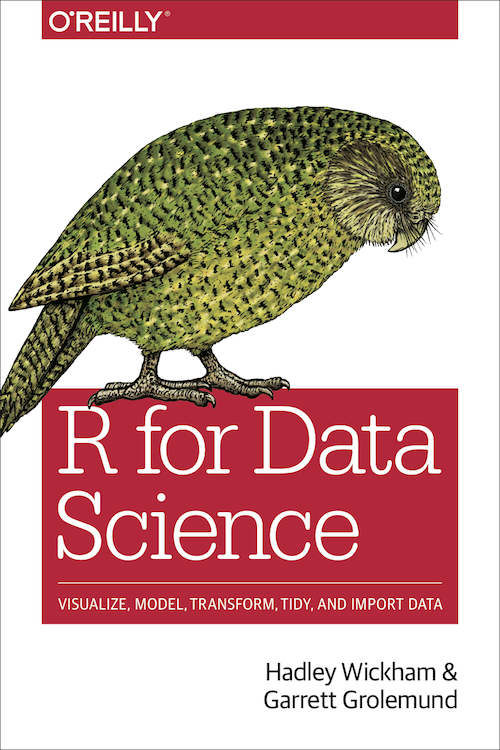
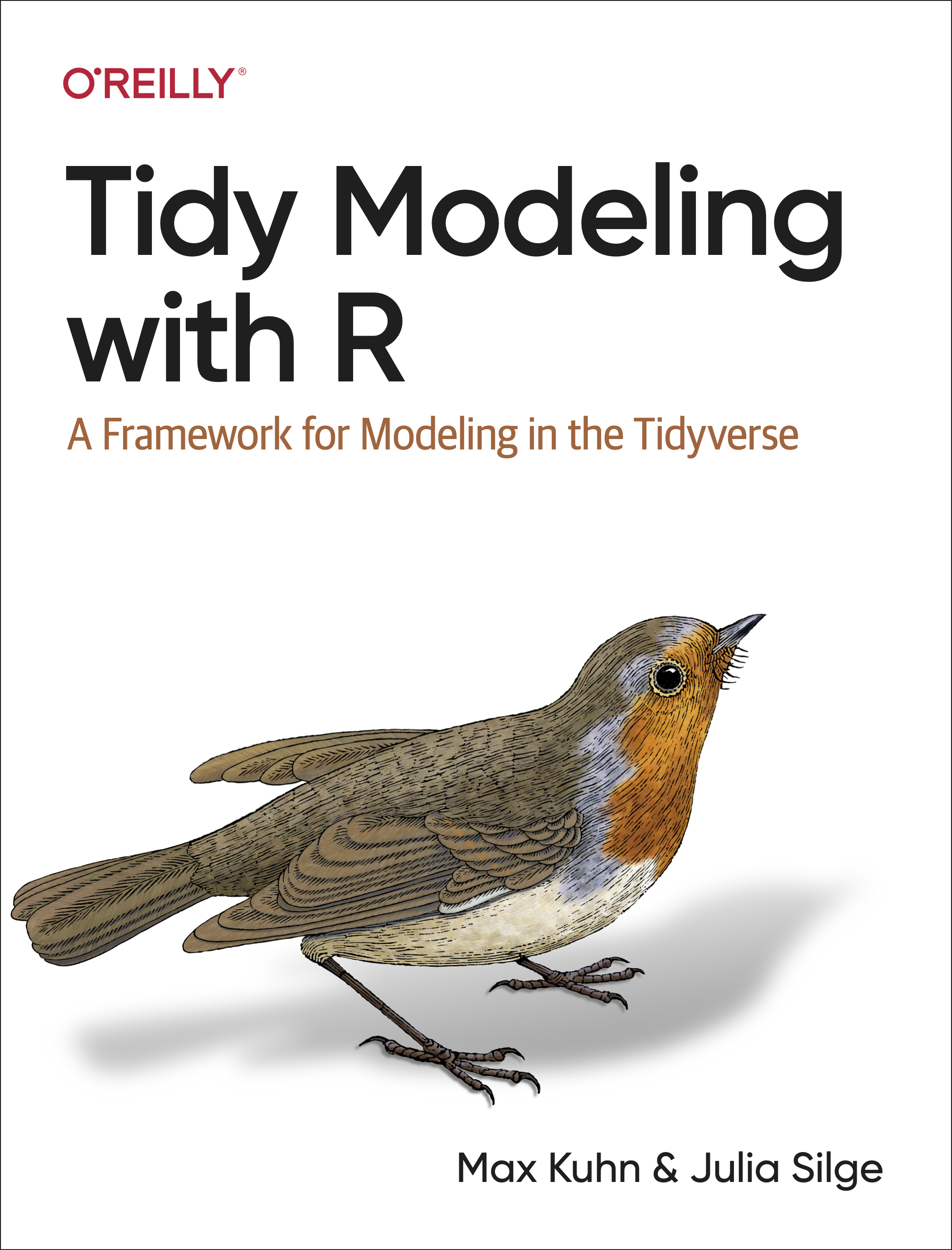
Free HTML books

THANK YOU!

acorrend@uoguelph.ca Adrian A. Correndo
Assistant Professor
Sustainable Cropping Systems
Department of Plant Agriculture
University of Guelph
Rm 226, Crop Science Bldg | Department of Plant Agriculture Ontario Agricultural College | University of Guelph | 50 Stone Rd E, Guelph, ON-N1G 2W1, Canada.

Contact me